Most pipeline reviews fail in the same quiet way: deals stop moving, nobody notices quickly enough, and the forecast still counts them as if momentum were intact. Dun & Bradstreet says B2B data can decay by more than 34% per year, and Scratchpad's 2023 RevOps Trends Report found only 22% of RevOps and sales leaders strongly agreed they had the right data for accurate forecasting. (Dun & Bradstreet, Scratchpad)
The practical fix is not another dashboard. It is catching stale deals early, deciding which ones are still worth saving, and prompting the next action before the pipeline goes soft. This article is the operator version of that workflow. If your team wants to build the technical implementation with MCP or the API, use the developer guide.
Across 15 years of growth work with more than 1,000 companies, from SMBs to global teams, I have seen this pattern repeatedly: stale deals are usually not a motivation problem. They are a visibility problem. Once reps and managers can see which deals deserve attention now, the behavior usually improves very quickly.
What you'll do
Here is the kind of pipeline state you want to catch before the weekly forecast meeting:
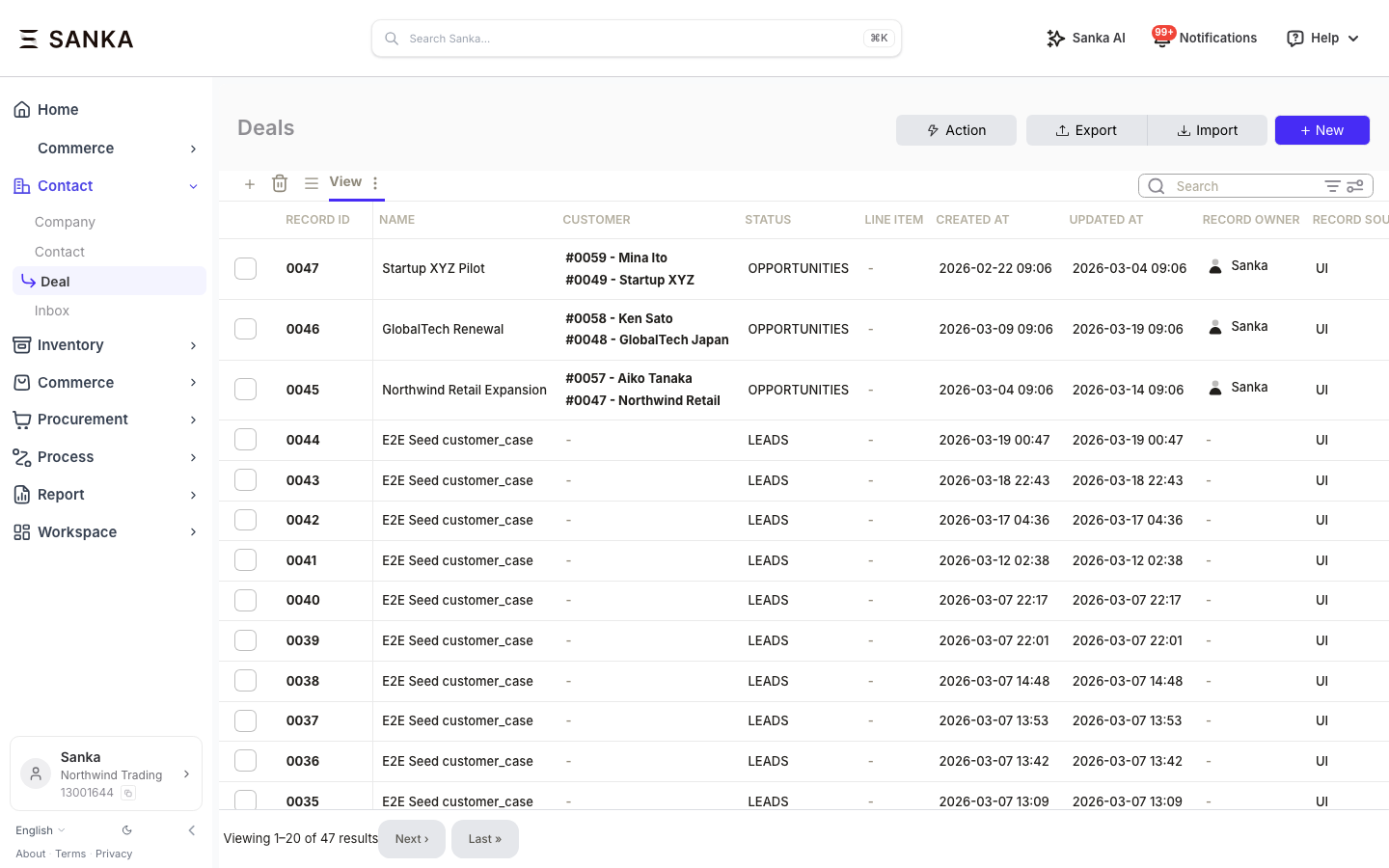
With this workflow, your team can:
- Find open deals with no meaningful activity in the last 14 days
- Prioritize which stale deals still deserve follow-up
- Draft the next outreach step for the best recovery candidates
- Keep the pipeline cleaner without spending hours on manual inspection
Total setup time: 0 minutes with a Custom GPT, a few minutes with a plugin or connector.
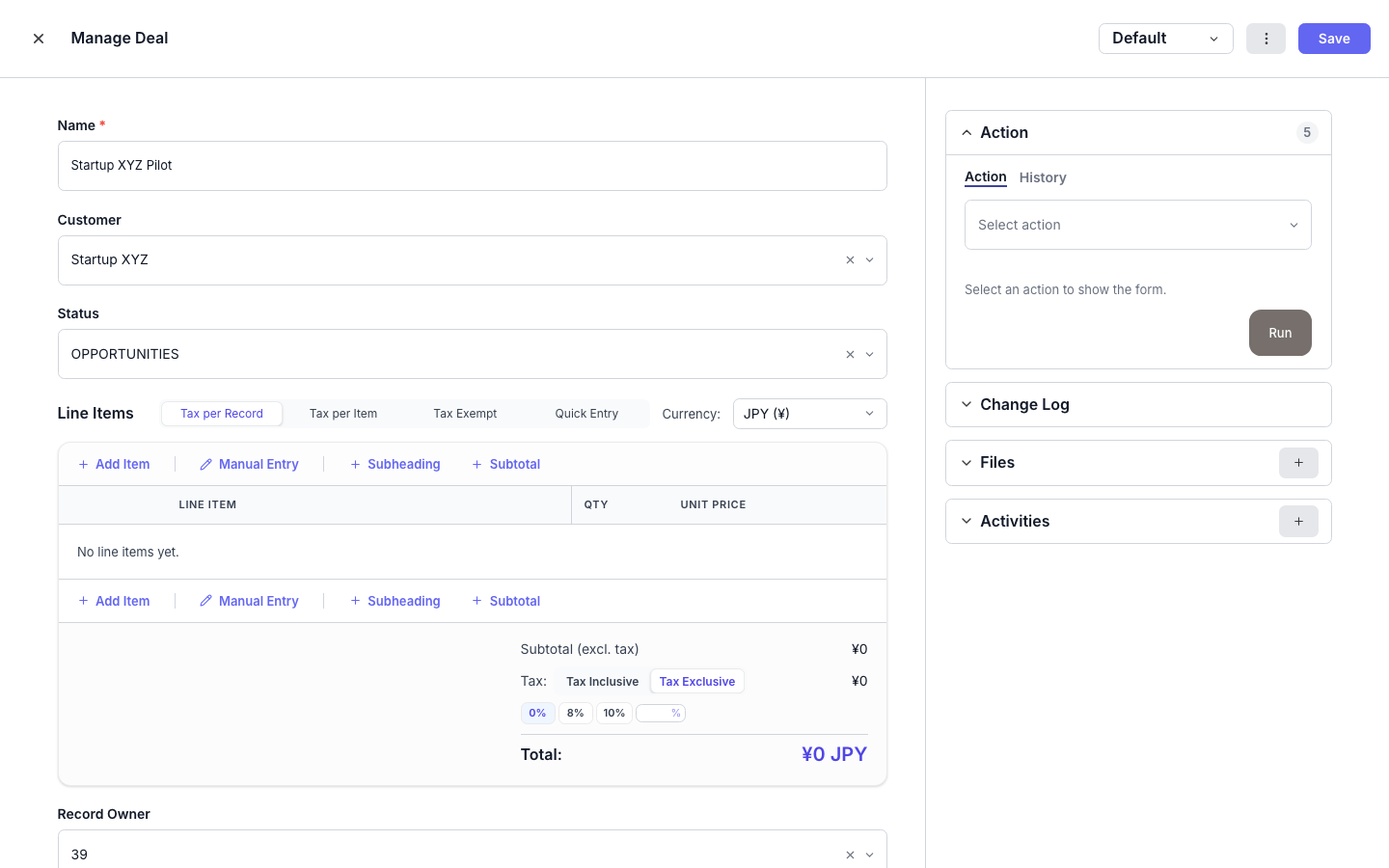
Option A: Add Sanka to ChatGPT with a Custom GPT (0 min)
This is the simplest operator path. Open the GPT, describe the stale-deal problem in plain English, and review the results in Sanka.
If your team already has the shared Sanka GPT link, use that directly. If you are still waiting on the shared GPT rollout, start from the getting started guide and use the same workflow through your connected assistant.
Here is what the flow looks like:

1. Open the GPT
Use your shared Sanka GPT link or start from the getting started guide if your workspace is using the connected assistant path today.
2. Ask for the workflow
"Show me all open deals that have not been updated in the last 14 days. Rank them by which ones are still worth saving, and draft a short re-engagement message for the top five."
3. Review the results
Your assistant should return something operational, not theoretical:
| Deal | Value | Days inactive | Priority | Suggested next step |
|---|---|---|---|---|
| Acme Corp - Enterprise plan | $45,000 | 21 | High | Send a case-study follow-up |
| GlobalTech - Expansion | $28,000 | 16 | Medium | Rebook a short demo |
| Startup XYZ - Starter | $3,200 | 31 | Low | Close out or move to nurture |
The main value is speed. Instead of manually filtering views, opening records one by one, and guessing which stale deals still matter, the rep starts from a prioritized list.
Option B: Use Sanka from a plugin or connector (a few minutes)
If your team uses a supported assistant plugin or connector instead of ChatGPT, the workflow is nearly identical.
1. Get connected
Follow the shared setup flow in the getting started guide. This article does not repeat the install steps because they are the same across operator workflows.
2. Ask for the workflow
"Find stale deals in my pipeline, tell me which ones should be re-engaged first, and draft the next outreach step."
3. Review the results
The assistant should surface the stale deals, explain why each one is worth action or not, and return a short next-step recommendation the rep can actually use.
Need more control?
If you want this running from Codex, Cursor, or Claude with MCP, or you want to schedule it through the API or SDK, use the developer guide. That version covers the implementation path without forcing sales readers through MCP setup or code.
Impact
| Metric | Before | After |
|---|---|---|
| Stale deals hidden in pipeline reviews | Common | Flagged on demand or automatically |
| Forecast conversations | Based on inflated pipeline | Based on fresher deal reality |
| Rep time spent finding follow-ups | 2-3 manual review sessions per week | One guided review with prioritized output |
| Re-engagement quality | Ad hoc | Prompted and structured |
Next steps
- Developer guide: build stale deal detection with MCP and the API
- Revenue Operations guide
- AI-enhanced CRM data analysis
- Getting started guide
Sources
- Dun & Bradstreet: Why Data Quality Management Is Key to Sales and Marketing Alignment
- Scratchpad: 2023 RevOps Trends Report
Start with the getting started guide if you want the fastest operator path. If your team wants the implementation version, move to the developer guide.